Rotor Speed
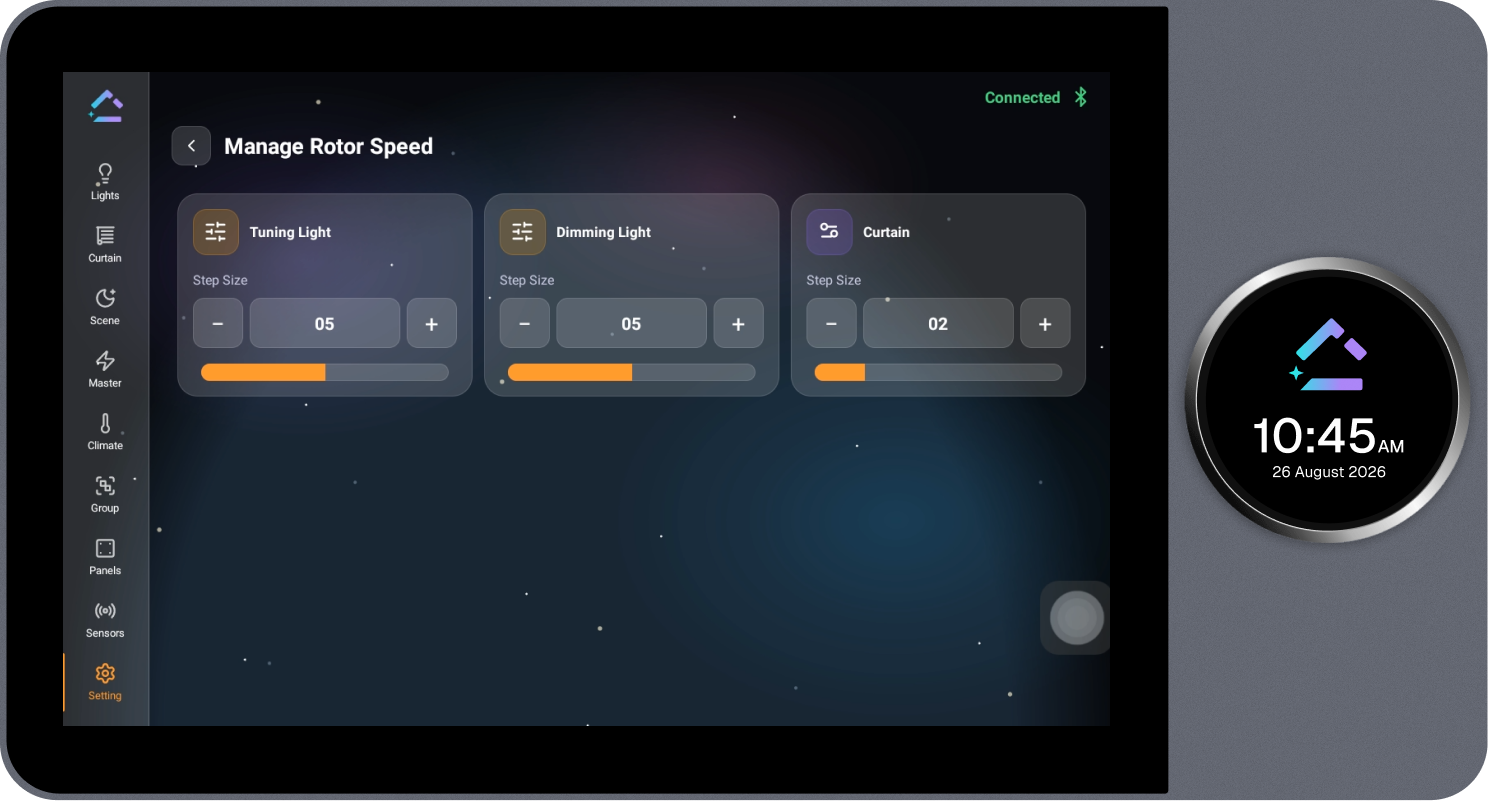
Controls the number of steps performed when the knob is rotated. Step size can be set from 1 to 10 and applies to Tuning Light, Dimming Light, and Curtain.
Steps
- Select Rotor Speed on the Knob Setting page.
- Under Tuning Light, Dimming Light, or Curtain, use the − or + icon to set the required step size.