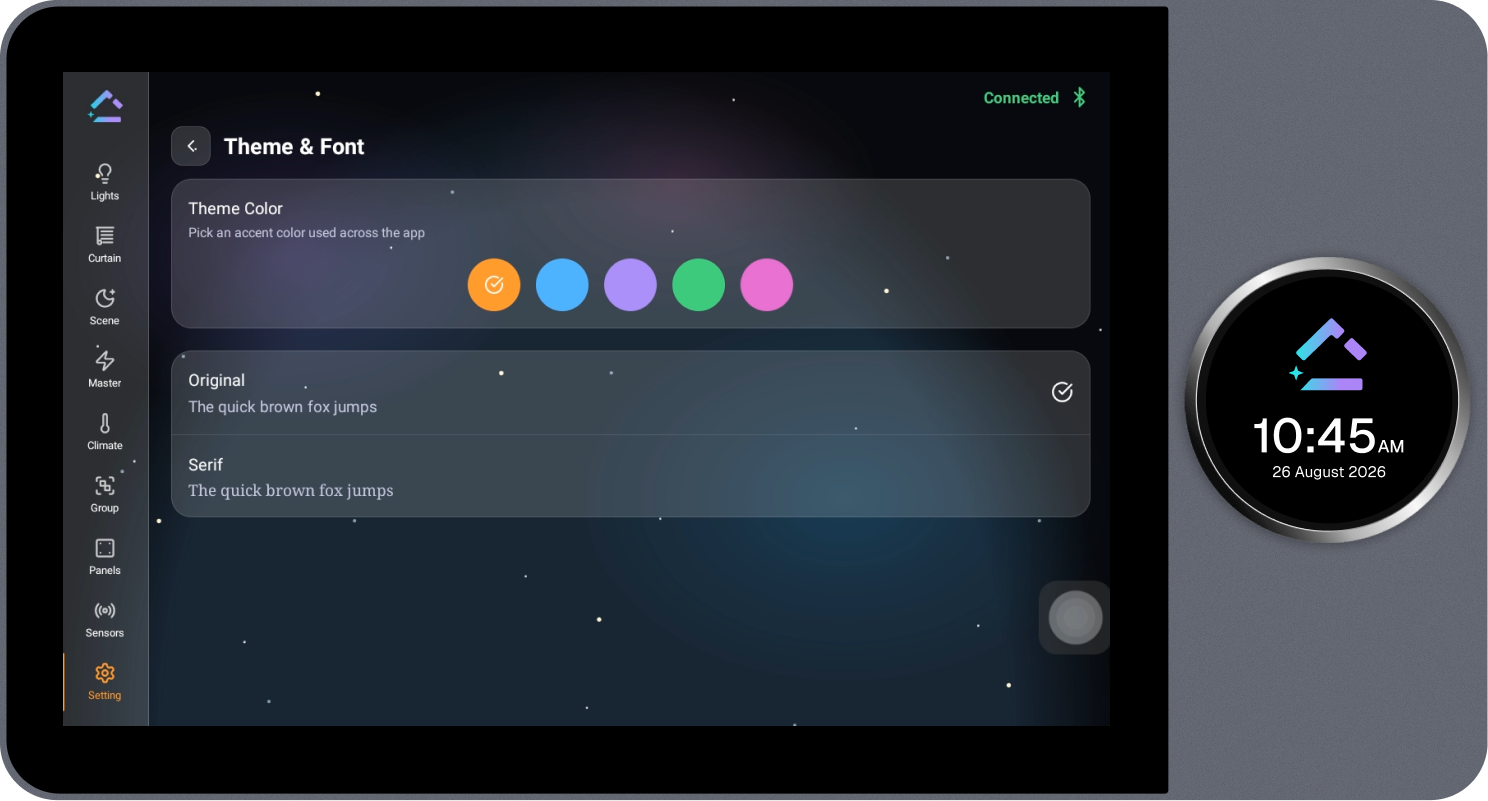
Theme & Font
Provides personalization options for the Loft Interface, including the theme color and font.
Steps
- Select Customize next to Theme & Font on the Settings page.
- Under Theme Color, select the required accent color.
- Select the required font, Original or Serif, from the list below.