Logout
Allows the user to securely log out of the current account on the Loft Interface.
Steps
- Select Logout on the Settings page.
- In the confirmation dialog, select Logout, or Cancel to stay signed in.
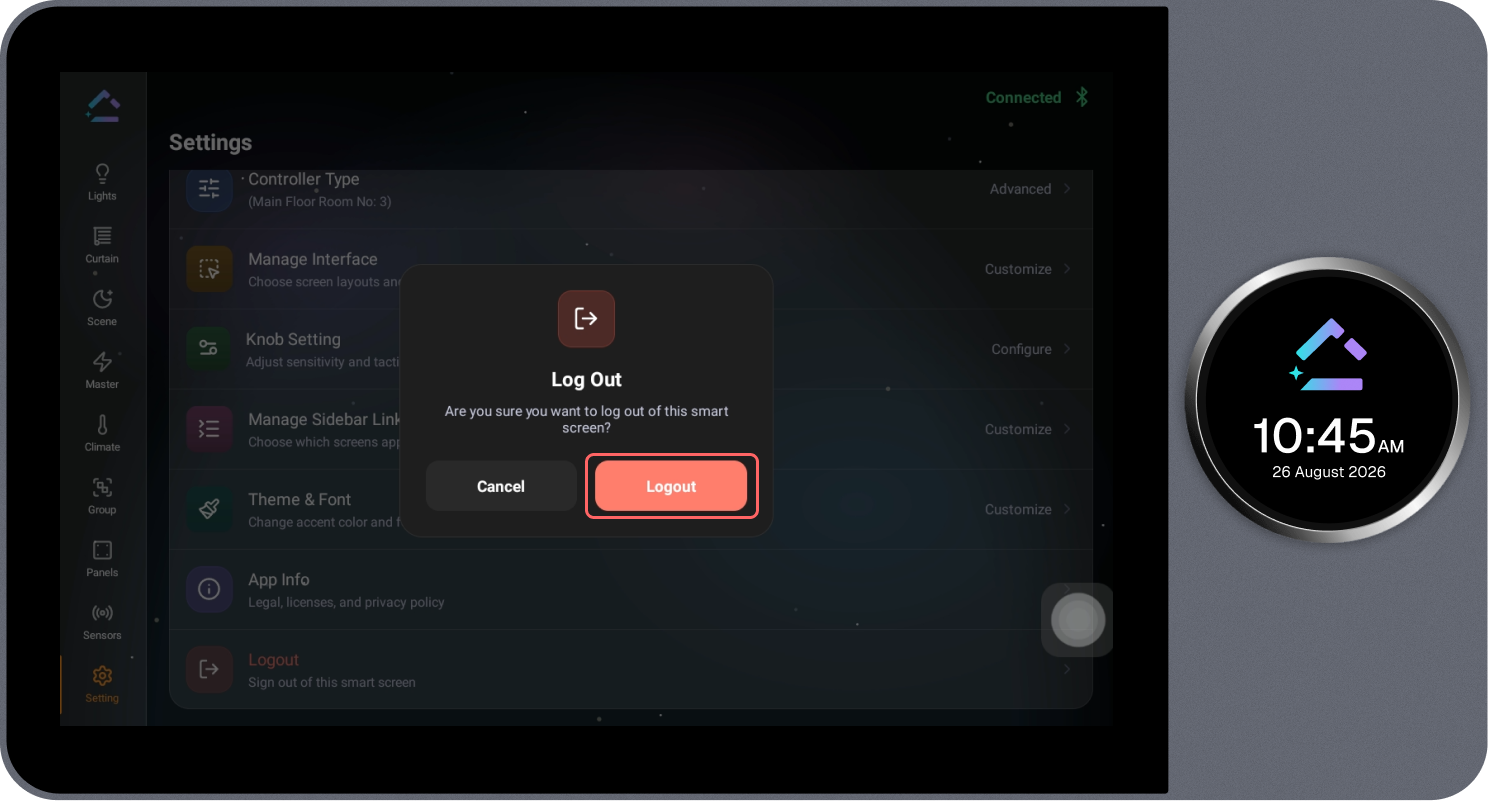
Allows the user to securely log out of the current account on the Loft Interface.