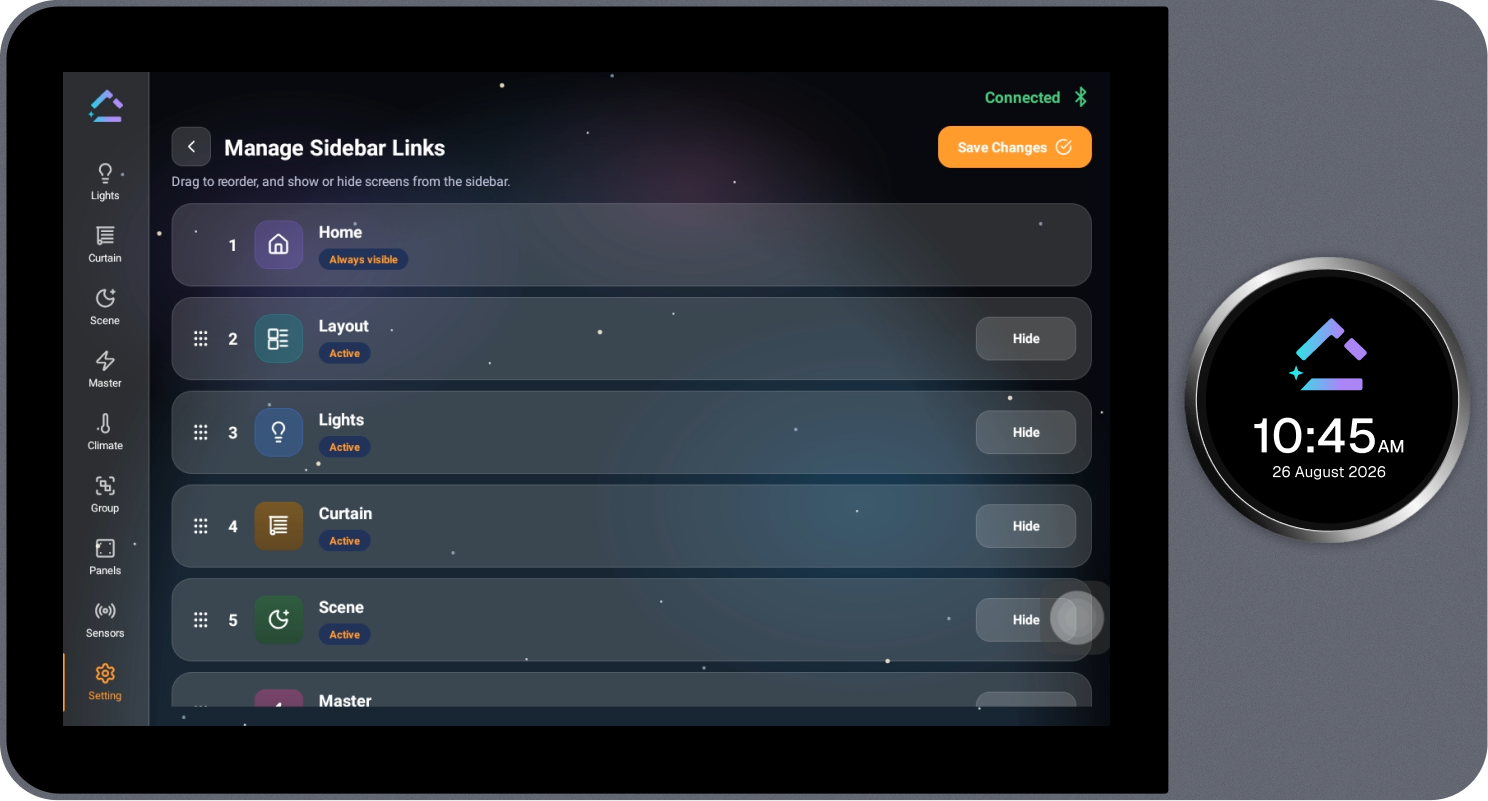
Manage Sidebar Links
Allows the options shown in the side menu to be customized.
Steps
- Select Customize next to Manage Sidebar Links on the Settings page.
- Select Hide on an option to remove it from the sidebar, or Show to display it again. Home is always visible and cannot be hidden.
- Drag an option using its handle to reorder it, placing frequently used options at the top.
- Select Save Changes to apply the changes.