Climate
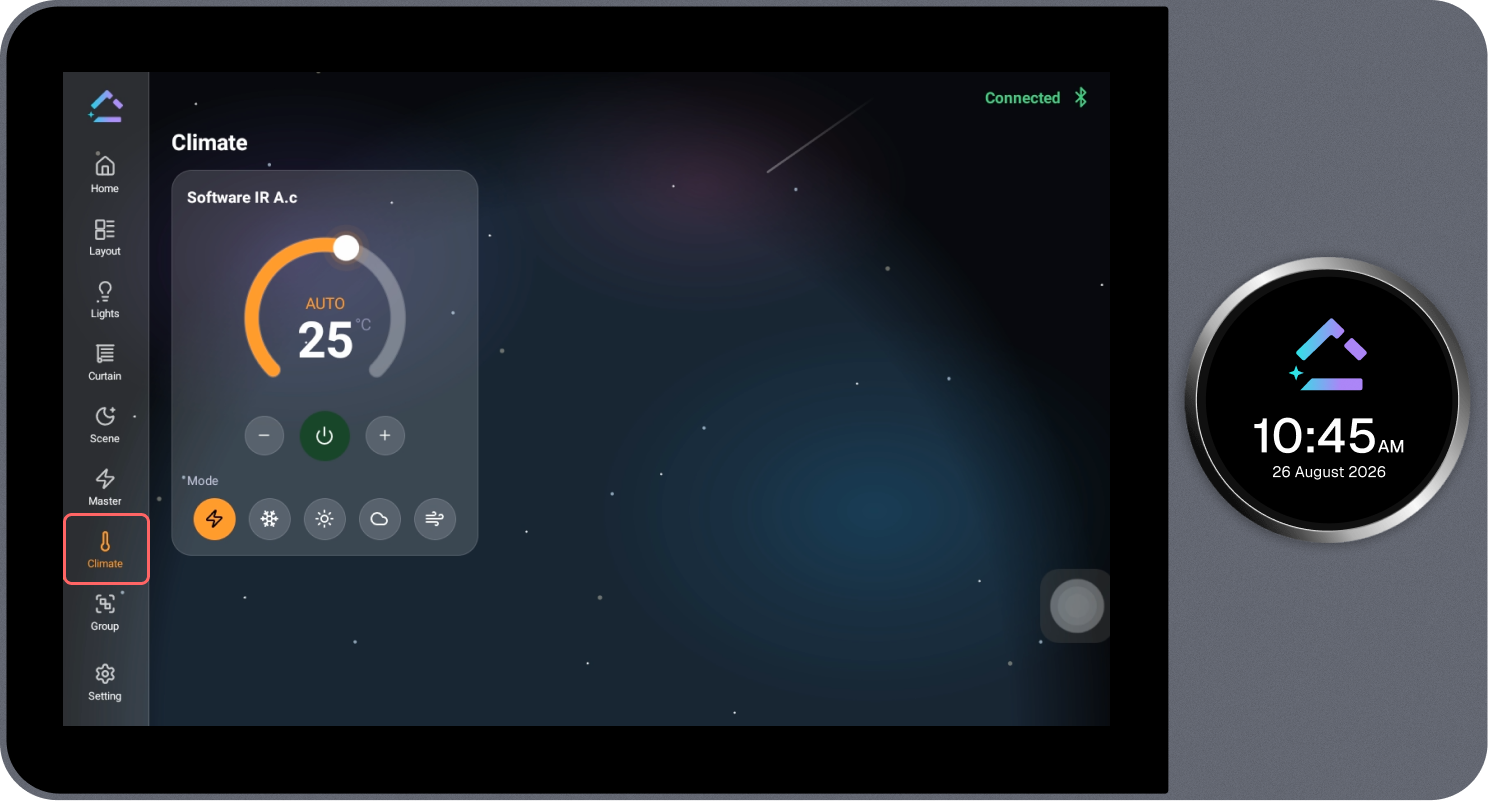
The Climate page displays all configured AC devices and allows them to be monitored and controlled.
Steps
- Review the configured AC device card, showing the current mode and target temperature.
- Select the + or − icon to increase or decrease the target temperature.
- Select the power icon to turn the device on or off.
- Select the required option under Mode (for example, Auto, Cool, or Fan) to change the operating mode.