Panels
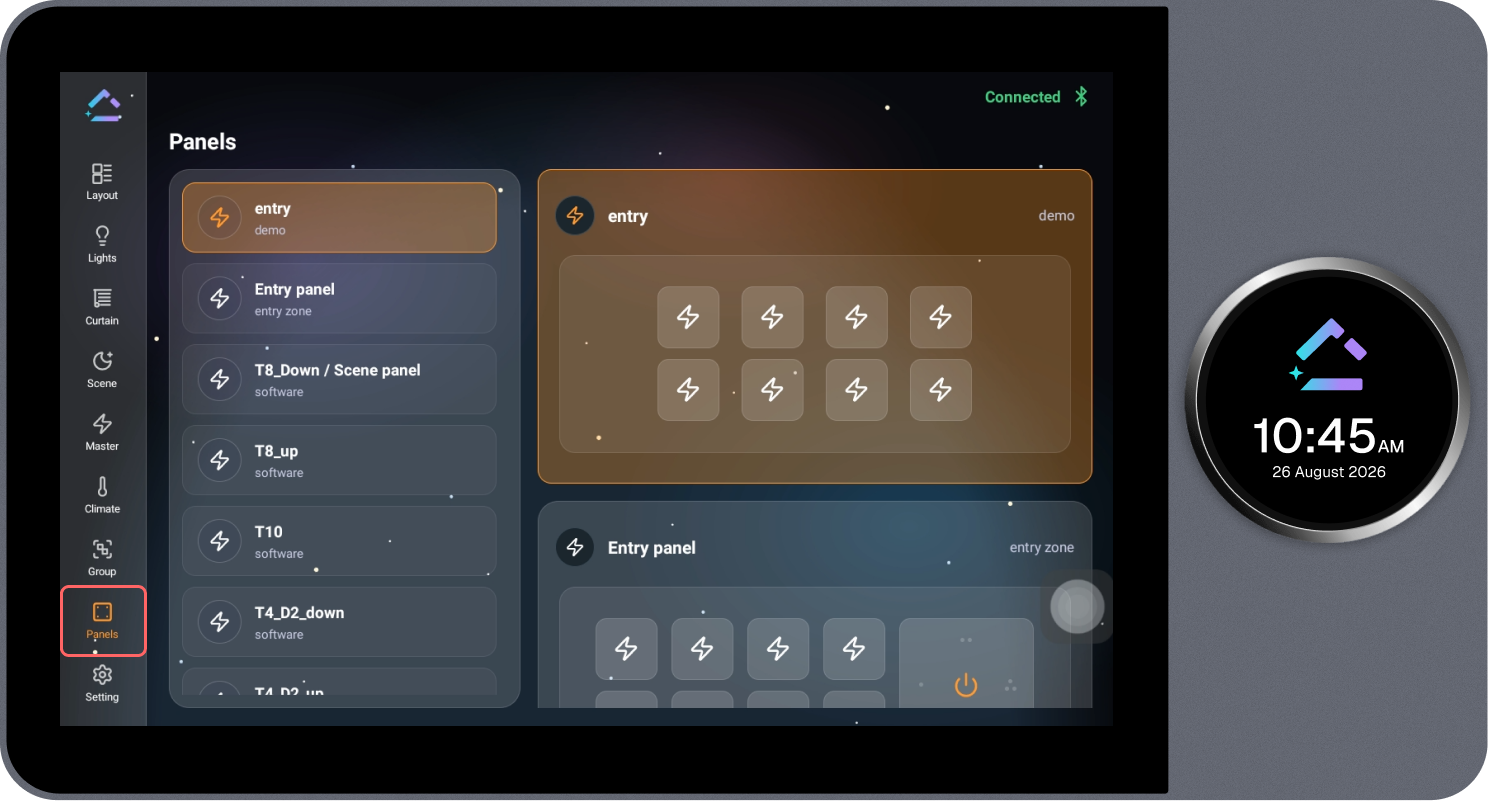
The Panels page displays all configured panels. Selecting a panel opens its layout on the right side, where it can be controlled.
Steps
- Review the list of configured panels.
- Select the required panel. The selected panel is highlighted with an orange border.
- The panel layout opens on the right side, showing its buttons.
- Select the required button on the panel to trigger the associated action.