Groups
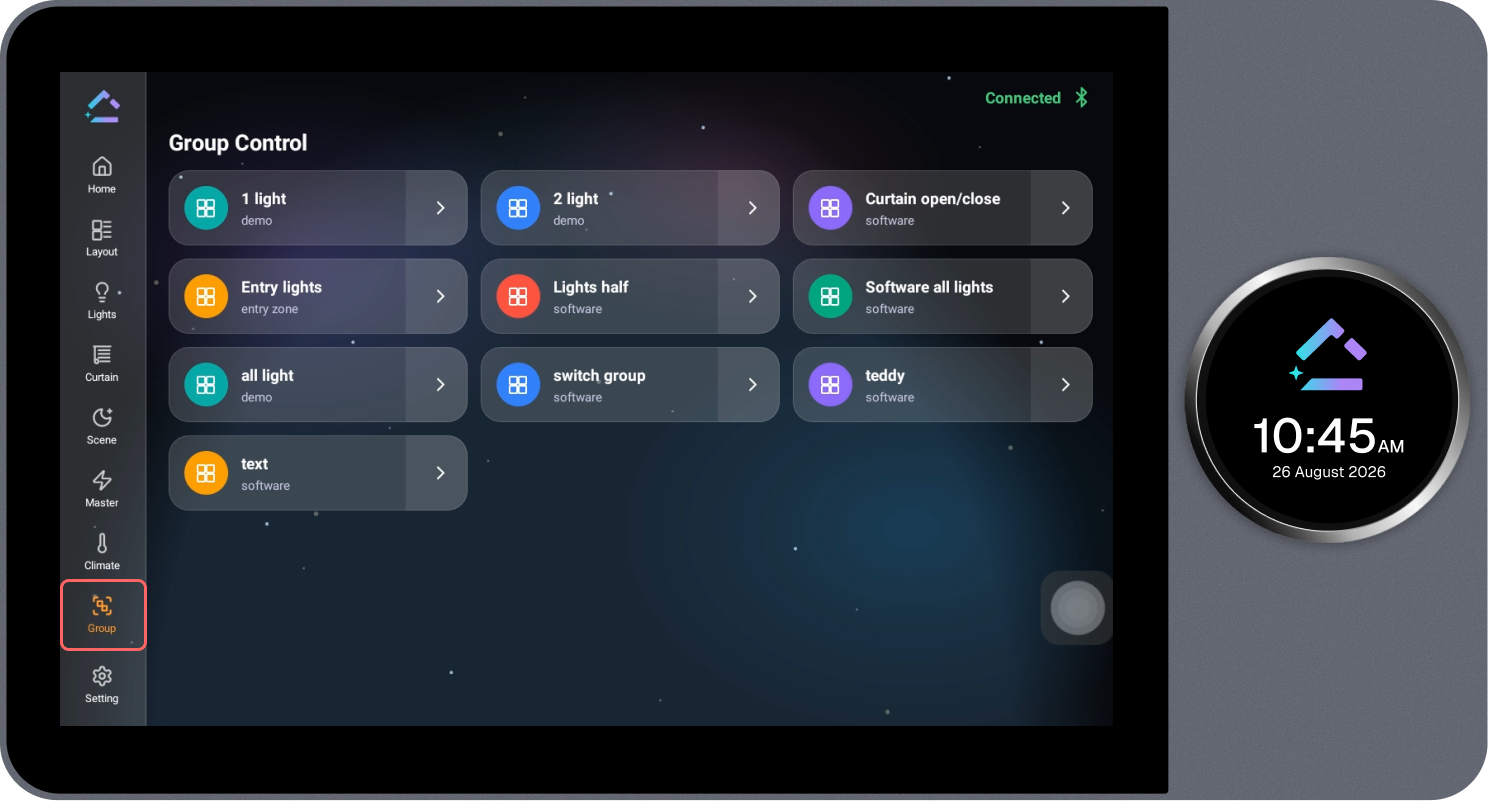
The Group page displays all configured device groups and allows multiple devices to be controlled together.
Steps
- Review the list of configured groups.
- Select the required group.
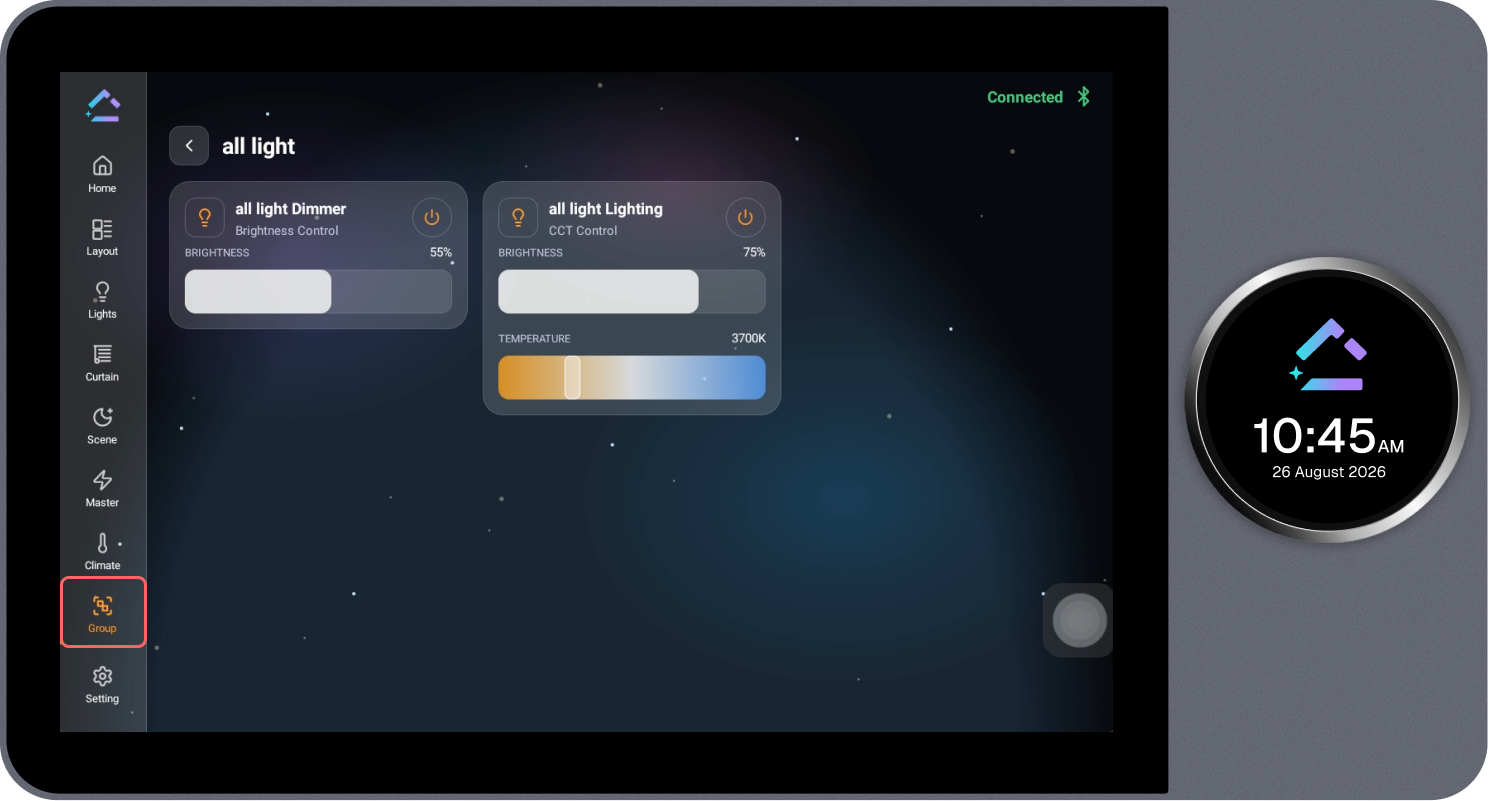
- The devices associated with the selected group open, showing their individual controls.
- Control the devices in the group as required.