Curtains
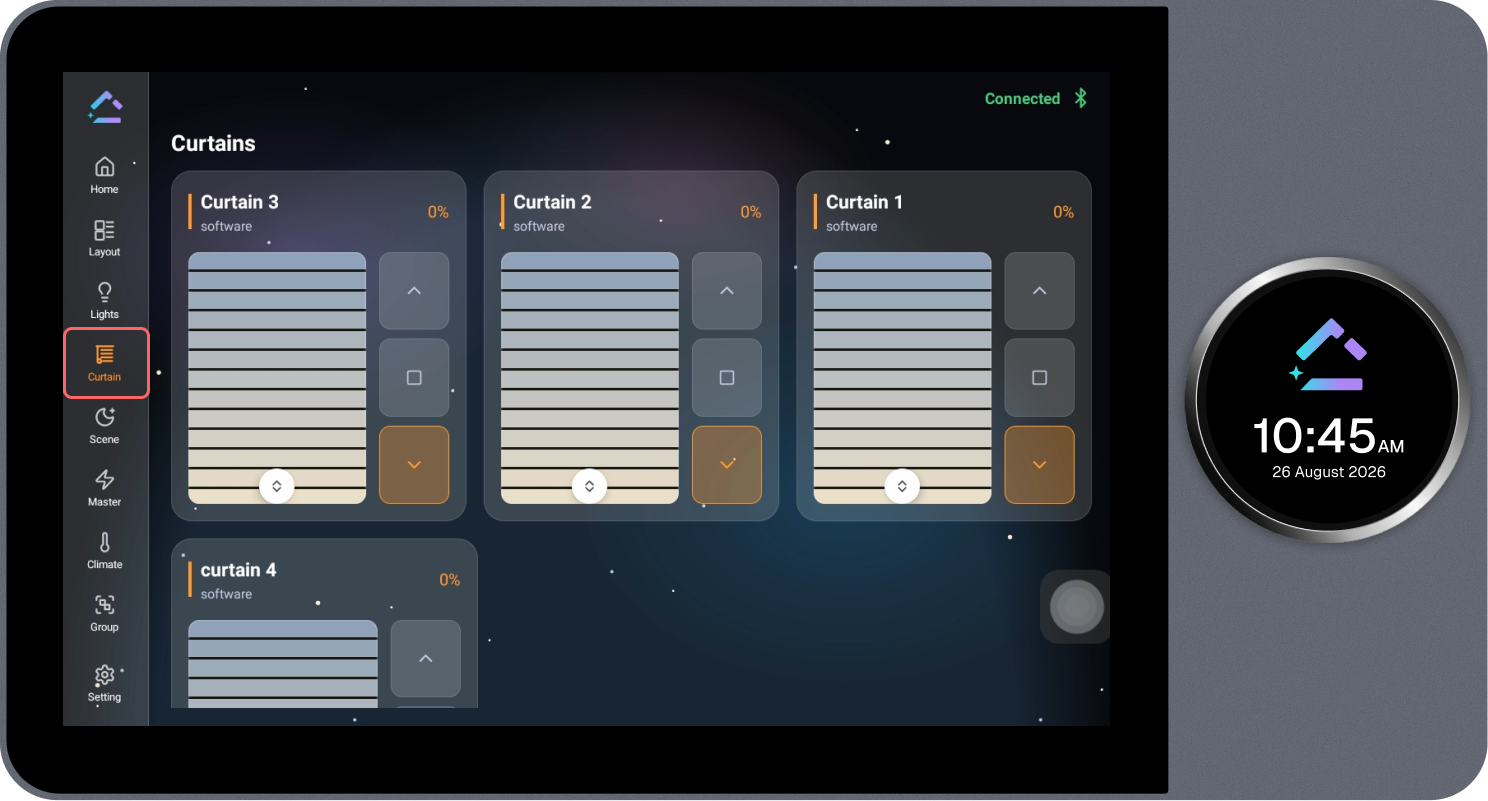
The Curtains page displays all configured curtain devices together and allows them to be operated.
Steps
- Review the list of configured curtains.
- Select the up arrow to open the curtain, the down arrow to close it, or the square icon to stop it mid-movement.
- Use the position slider to set the curtain to a specific open percentage.