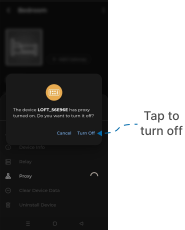
Proxy Device
This guide explains how to Proxy Device Turn Off using the Loft App.
⚠️ Warning: If you don’t know how the Proxy Device works, don’t attempt to adjust it. Doing so may cause the device to stop working properly.
Steps to Proxy Device
-
Open the Loft App
- Navigate to the Room where your Device is installed.
-
Locate the Device
- Locate the Device which you want to Proxy Device and click on the three dots
⁝icon.
- Locate the Device which you want to Proxy Device and click on the three dots
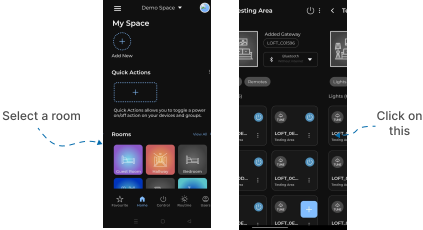
- Open Edit Menu
- A Settings Menu popup will appear with multiple options.
- Tap on Proxy.
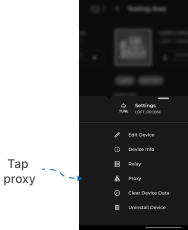
- Confirmation
- An Confirmation screen appears.
- If you sure to make Device Proxy so click Turn Off.